Your app can run AI on the phone now. Here's what that does to the bill.
Since iOS 26 on iPhone and Gemini Nano on Android, an app can run a language model on the user's own phone with no per-request API cost — but only on recent flagship devices, so most apps still need a cloud fallback.
By Oleksii Mykhalchuk — Engineer & software developer
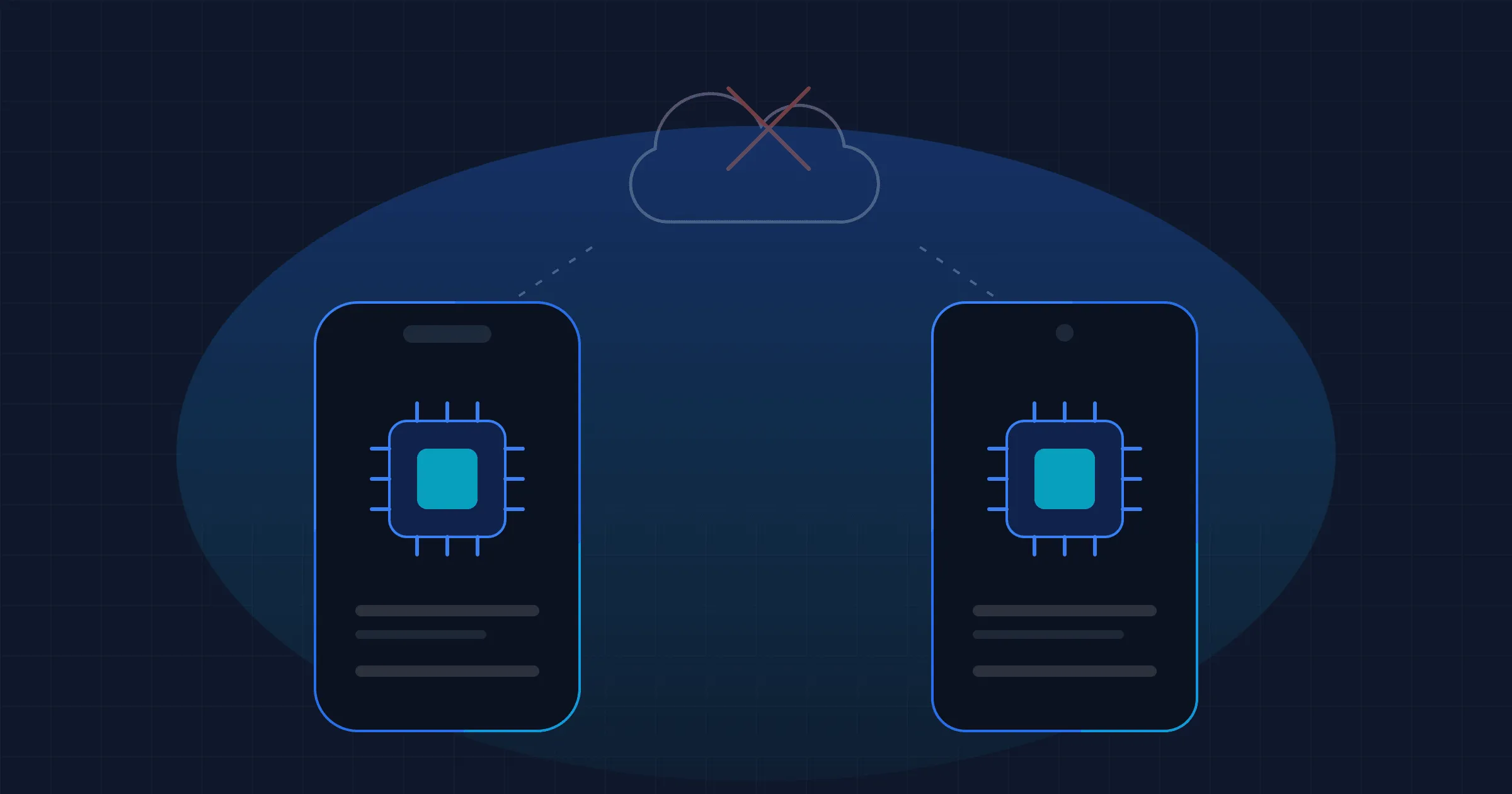
Until recently, adding AI to an app meant sending every request to a cloud API and paying for it. That has changed on both platforms. Since iOS 26, any app can use Apple’s language model directly on the iPhone, and Android’s ML Kit lets apps use Google’s Gemini Nano directly on the phone. There’s no API key, no network round-trip and no per-request charge.
The catch is coverage. Both work only on recent, mostly high-end phones. So for most apps the answer isn’t “move AI on-device”. It’s “move the right tasks on-device, and keep a cloud path for everyone else.” That’s a real saving, but it is an engineering decision, not a switch you flip.
Why this matters if you pay for an app
Every AI feature that runs through a cloud API has a running cost that grows with your users. More people using the feature means a bigger invoice. That’s the opposite of how most app costs behave, and it’s why plenty of AI features get cut, rate-limited or hidden behind a paywall after launch.
I know this from my own product. ProWord’s AI chat tutor runs on the OpenAI API, so every conversation a learner has is a line on a bill I pay. It’s the one part of the app where success costs me money.
On-device models move that cost onto the user’s hardware. The phone does the work, and you pay nothing per request. For the right kind of task, that turns a cost that grows with every user into one you pay once, when you build the feature.
What changed on iPhone
Apple’s Foundation Models framework arrived with iOS 26 in September 2025 and gave apps direct access to the on-device model behind Apple Intelligence. iOS 27, released this September, expanded it considerably. There are now three ways to run a model behind one Swift API:
- Apple’s on-device model. It has been available since iOS 26. In iOS 27 it has been rebuilt and now takes images as well as text. Its context window is about 8,000 tokens, which is enough for a few pages of text, not a book. It runs offline and is free.
- Apple’s larger model on Private Cloud Compute. New in iOS 27, this one has a 32,000-token context window and adjustable reasoning, with no account setup or API keys. Apple says the prompts aren’t stored. And here’s the part that matters for small businesses: if you’re in the App Store Small Business Program and your app has fewer than 2 million first-year downloads, Apple charges no cloud API cost for it.
- Third-party models through the same interface. Also new in iOS 27, a
LanguageModelprotocol lets Anthropic’s and Google’s models plug into the same code. These are billed per token as usual. The point is that the app’s code doesn’t change when you swap models.
That last point is underrated. It means you can build a feature once and decide later which model runs it, rather than rewriting the integration each time the pricing or the leaderboard changes.
The limit: the on-device model needs an iPhone that supports Apple Intelligence, which means an iPhone 15 Pro or newer, with Apple Intelligence turned on. Anyone on an older iPhone gets nothing from it, and your app has to check for that and do something sensible instead.
What changed on Android
Google’s version is Gemini Nano, which ships as part of Android’s system services (AICore) and which apps reach through the ML Kit GenAI APIs. There are ready-made APIs for summarising, proofreading, rewriting and describing images, plus a general Prompt API for anything custom. Google says Gemini Nano now runs on over 140 million devices, and the newest version, Gemini Nano 4, is built on the same foundation as its open Gemma 4 model.
Three things make Android harder to plan for than iPhone:
- Device coverage is fragmented. Support depends on the chip, not the Android version. Pixel 9–11, Galaxy S25–S26, recent OnePlus, Xiaomi and OPPO flagships are in. The mid-range and budget phones that most of the world actually uses are mostly out.
- Different phones run different models. Depending on the device you get Nano v2, v3 or v4, so the same prompt can give noticeably different answers on two phones. You have to test on more than one.
- Usage is rationed. Android limits how many requests each app can make in a short time and returns a “busy” error once you hit it. There’s a daily battery budget too, and the model only runs while your app is the one on screen. No background processing.
The Prompt API is still in beta. That’s fine to build on, but I wouldn’t make it the only path for a feature customers pay for.
What belongs on the phone, and what doesn’t
Small, frequent, bounded tasks are what on-device models do well:
- Tidying up or proofreading a short piece of text the user just typed
- Summarising a single message, note or document the user is looking at
- Sorting, tagging or pulling structured fields out of something
- Writing short suggested replies or captions
- Anything involving data the user would rather not send to a server
They aren’t good at long open-ended conversations, anything that needs current facts, long documents, or high-stakes answers where a wrong reply costs you a customer. Those still belong on a bigger cloud model, or on Apple’s Private Cloud Compute tier if you qualify.
For ProWord, I’d split it this way. The open-ended tutor chat stays in the cloud, because that’s the feature people come for and quality matters most there. The small, constant jobs around it are what I’d move: checking a learner’s example sentence, explaining a single word in context, generating a quick practice prompt. They are exactly the calls that are cheap individually and expensive in aggregate. That’s my reasoning, not something I’ve measured in production yet, and I’d want real numbers before promising anyone a percentage.
The part nobody puts in the headline
“Free AI on the phone” is true per request. It isn’t true per project.
An app that uses on-device AI properly has at least two code paths for every AI feature: one for phones that have a model and one for phones that don’t. On a cross-platform product it’s four, because iPhone and Android each have their own framework, their own limits and their own failure modes. Each path needs testing on real devices, and each one needs a decision about what happens when the model is missing, busy or gives a weak answer.
So the cost moves rather than disappears. You stop paying per request and pay once, in engineering time, to build and test the fallbacks. For an app whose AI bill is growing with its users, that’s usually a good trade. For an app with a few hundred users and a small monthly API bill, it often isn’t, and I’d say so before quoting the work.
What I’d do, in order
Look at your current AI bill and find the five most frequent calls. Not the most impressive feature, but the most frequent request. That’s where the savings are, if there are any.
Check what devices your users actually have. Your App Store Connect and Play Console analytics will tell you what share of active users are on an iPhone 15 Pro or newer, or a supported Android flagship. If it’s 15%, on-device AI is a nice extra. If it’s 60%, it’s a real cost lever.
Build the abstraction before you pick the model. On iPhone, Apple’s new protocol does much of this for you. On Android, put the model behind your own interface. Either way, the app shouldn’t care which model answered.
Ship on-device as the fast path, with the cloud as the fallback. Don’t ship it as a replacement. Measure what fraction of requests actually stay on the phone before you count the savings.
If you have an app with an AI bill that grows every month, or an AI feature you’ve been putting off because of what it would cost to run, the maths has changed. It’s worth an afternoon to find out by how much.
Sources: Apple’s WWDC26 session What’s new in the Foundation Models framework and its Apple Intelligence developer page (Private Cloud Compute eligibility); Google’s ML Kit GenAI APIs overview (supported devices, quotas, foreground-only rule) and Android on-device inference (Gemini Nano 4, 140 million devices).